
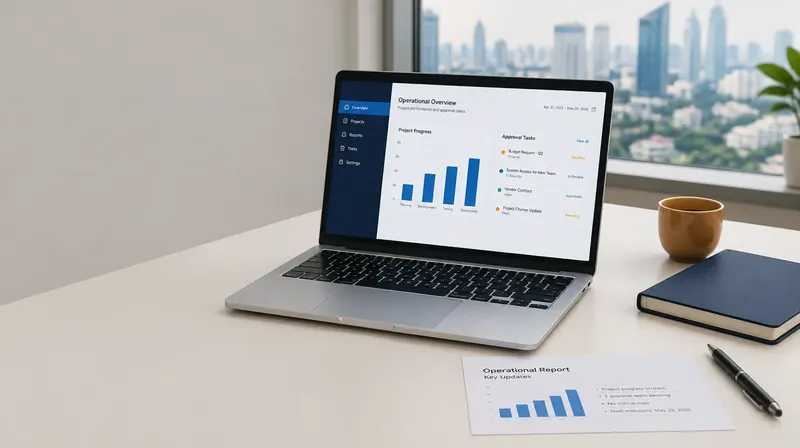
Reduce repetitive report assembly
Downloading files, combining spreadsheets, reconciling figures, and writing summaries often repeat every reporting cycle. KODE maps the workflow and builds automation around your team’s sources and formats. Start with one report with clear metric definitions and ownership.
AI and structured calculations have different roles
Numerical calculations should follow testable rules. AI can summarize changes, explain findings, and draft narratives from checked data. Separate data processing from interpretation so the team can trace figures and correct errors.
From data sources to a reviewed report
Map sources and update schedules, validate fields and units, run agreed transformations, and prepare a draft report. Show the data period and missing information. The report owner reviews the output before it supports decisions or is distributed more widely.
Integration follows the systems you have
Sources may include spreadsheets, ERP exports, databases, or APIs, subject to access assessment. A pilot can use scheduled exports before live integration if that is enough to test value. Access rules, processing locations, and system changes are agreed with IT.
Measure against the current process
Record preparation time, corrections, delays, and data consistency before the pilot. Compare results over equivalent reporting periods after testing the workflow. Cost depends on sources, transformation rules, frequency, output formats, and support; savings should not be promised without a baseline.
Deliverables discussed during scoping
- Data-source map, metric definitions, and review workflow
- Scoped processing automation and draft summaries
- Data checks, documentation, and maintenance guidance
Common questions
Do we need to replace our ERP or spreadsheets?
Not necessarily. We first assess available integrations or exports. System changes are made only when needed and agreed.
Can reports be sent automatically?
Distribution and approval are defined per report. Important reports are reviewed by their owner before sharing.